

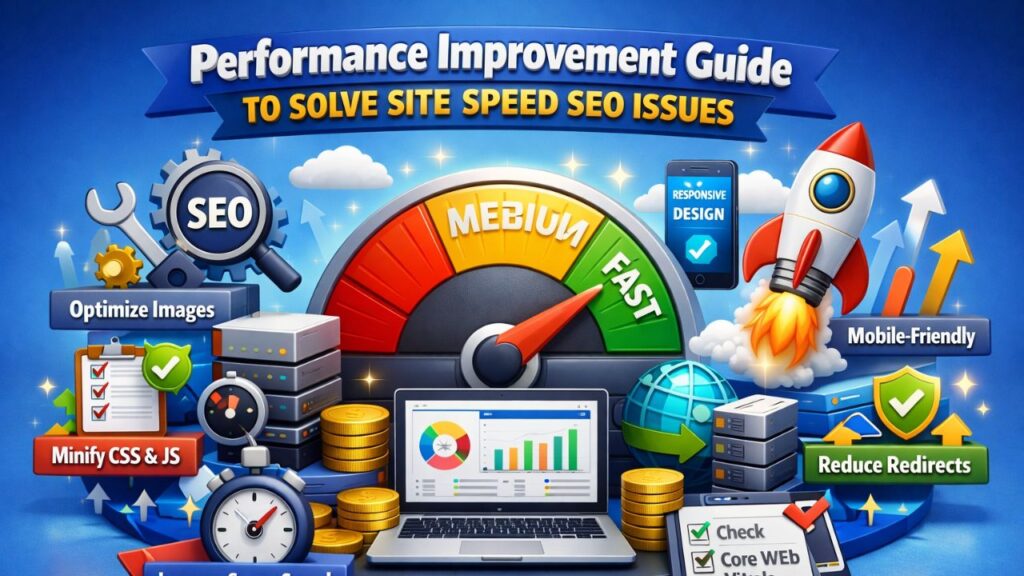
Website speed has moved far beyond a technical checkbox. Today, it directly shapes rankings, user experience, engagement, and conversion rates. When a site loads slowly, visitors lose patience, search engines reduce visibility, and opportunities quietly disappear. That is why Performance improvement is no longer optional—it is essential.
In this complete guide, you will learn how to identify and fix site speed seo issues quickly and strategically. The goal is not just faster load times but better rankings, stronger trust signals, and long-term search visibility.
Table of Contents
Why Site Speed Matters for SEO in 2026?
Search engines aim to deliver the best possible user experience. Speed plays a central role because it directly affects how people interact with a website.
Google Page Experience & Core Web Vitals
Google evaluates page experience using Core Web Vitals:
- Largest Contentful Paint (LCP): Measures loading performance.
- Interaction to Next Paint (INP): Measures responsiveness.
- Cumulative Layout Shift (CLS): Measures visual stability.
If your pages fail these metrics, search engines assume visitors are not getting a smooth experience.
This is where Performance improvement becomes a ranking advantage. Faster pages signal quality, reliability, and usability.
How Slow Sites Affect Rankings?
When speed drops, several SEO signals weaken:
- Higher bounce rates
- Lower dwell time
- Reduced crawl frequency
- Weak engagement signals
Search engines interpret these as signs that the content may not be satisfying user intent.
Speed vs Conversions vs Revenue
Visitors expect pages to load almost instantly. Every extra second of delay reduces trust and increases abandonment. By focusing on Performance improvement, you align technical SEO with real business outcomes.
The Most Common Site Speed SEO Issues
Before fixing speed, you need to understand what slows a website down. Most performance problems fall into predictable categories.
Slow Hosting and Server Response Time
Your hosting environment determines how fast your website responds. Shared hosting often struggles with traffic spikes and resource limits, leading to high Time To First Byte (TTFB).
This is one of the most overlooked site speed seo issues.
Heavy Images and Media Files
Large, uncompressed images are a major speed killer. Many websites upload high-resolution images without optimization, increasing page size dramatically.
Too Many JavaScript and CSS Files
Excess scripts block rendering and delay page loading. When browsers must process too many files, the page appears slow even if the server is fast.
Poor Caching Setup
Without caching, browsers must reload every resource repeatedly. This increases load time and server strain.
No CDN Usage
A Content Delivery Network distributes content globally. Without it, users far from your server experience slower loading times.
Excessive Plugins and Third-Party Scripts
Tracking tools, widgets, and plugins can silently add seconds to the loading time. These hidden delays are common site speed seo issues that many site owners overlook.
How Google Measures Website Speed?
Understanding how speed is measured helps you prioritize the right fixes.
Core Web Vitals Breakdown
Google categorizes performance as:
| Metric | Good Score |
| LCP | Under 2.5 seconds |
| INP | Under 200 ms |
| CLS | Under 0.1 |
Optimizing these metrics leads to meaningful Performance improvement.
Key Tools to Test Speed
You can monitor speed using:
- PageSpeed Insights
- Lighthouse
- GTmetrix
- WebPageTest
These tools reveal technical bottlenecks and improvement opportunities.
Step-by-Step Performance Improvement Checklist
This section focuses on fast, practical wins.
Step 1 — Upgrade Hosting
Choose cloud or VPS hosting for better scalability and lower TTFB.
Step 2 — Enable Browser Caching
Caching stores resources locally so returning visitors experience faster loading.
Step 3 — Compress Images
Use modern formats such as:
- WebP
- AVIF
This single change often delivers immediate Performance improvement.
Step 4 — Minify Code
Remove unnecessary spaces, comments, and characters from:
- HTML
- CSS
- JavaScript
Step 5 — Remove Render-Blocking Resources
Defer non-critical scripts and load essential content first.
Step 6 — Use a CDN
CDNs serve content from the nearest server location, reducing latency worldwide.
Step 7 — Reduce Plugin Load
Audit plugins regularly and remove unnecessary tools.
Step 8 — Enable Compression
Activate GZIP or Brotli to reduce file sizes during transfer.
Step 9 — Optimize Fonts
Limit font families and use modern font loading strategies.
Step 10 — Enable Lazy Loading
Load images and videos only when they enter the viewport. This creates significant Performance improvement without sacrificing design.
Advanced Performance Improvement Techniques
Once basic optimizations are complete, advanced techniques can push performance even further.
Critical CSS Implementation
Load essential styles first so content appears instantly.
Preloading Important Resources
Preload fonts, hero images, and key scripts.
Database Optimization
Clean unnecessary data and optimize queries regularly.
HTTP/3 and QUIC Protocol
Modern protocols reduce connection delays and improve data transfer speed.
Edge Caching Strategies
Edge caching stores content closer to users for faster delivery and stronger Performance improvement.
Mobile Speed Optimization Strategies
Mobile users dominate web traffic, making mobile optimization essential.
Reduce Mobile JavaScript
Heavy scripts slow mobile devices more than desktops.
Responsive Images
Serve different image sizes based on device resolution.
Modern Mobile Optimization
Optimizing mobile performance helps prevent site speed seo issues caused by mobile-first indexing.
How to Monitor Speed Continuously?
Speed optimization is not a one-time task.
Set Speed Benchmarks
Track performance metrics monthly.
Monthly Speed Audit Checklist
- Review Core Web Vitals
- Test new plugins
- Monitor page size
- Analyze traffic changes
Continuous monitoring ensures ongoing Performance improvement.
Real User Monitoring (RUM)
RUM tools track real visitor experiences instead of lab simulations.
Mistakes That Slow Down Websites
Many performance problems come from avoidable mistakes:
- Using too many fonts
- Ignoring mobile optimization
- Heavy animations and sliders
- Poor theme or page builder choices
Avoiding these reduces recurring site speed seo issues.
Expected SEO Results After Speed Optimization
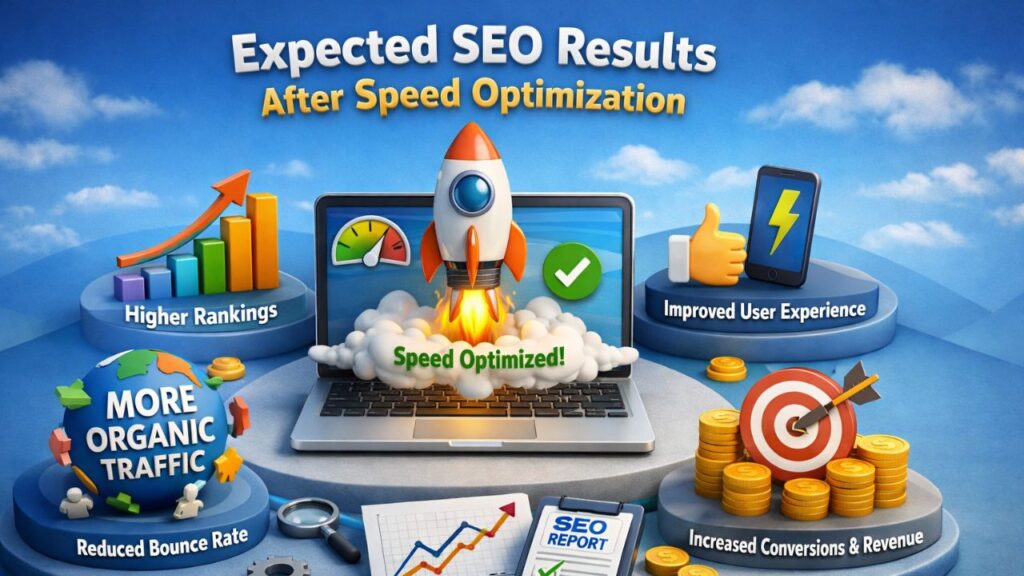
When speed improves, positive SEO signals follow:
- Better rankings
- Lower bounce rates
- Faster crawling
- Increased engagement
These outcomes reinforce the importance of Performance improvement for long-term growth.
Quick Performance Improvement Checklist
Here is a fast recap you can implement immediately:
- Upgrade hosting
- Compress images
- Minify code
- Enable caching
- Use a CDN
- Lazy load media
- Optimize fonts
- Monitor performance regularly
Following this checklist supports consistent Performance improvement.
Conclusion
Speed optimization is no longer optional. It shapes rankings, user trust, and long-term visibility. By identifying and fixing site speed seo issues, you create a faster, more reliable, and more competitive website.
If you consistently focus on Performance improvement, your site becomes easier to crawl, faster to load, and more satisfying to users. That combination sends powerful signals to search engines and helps secure stronger positions in search results.
FAQs
What is a good page speed score for SEO?
A PageSpeed score above 90 is considered excellent, but Core Web Vitals matter more than the score itself.
How fast should a website load?
Ideally within 2–3 seconds on mobile and desktop.
Does site speed affect Google ranking?
Yes, speed is a confirmed ranking factor and influences user behavior metrics.
How often should website speed be tested?
Monthly testing is recommended, especially after updates or design changes.
Can plugins slow down a website?
Yes, excessive plugins and third-party scripts often create hidden performance bottlenecks.


